
Searching Cases by Name
Name searching runs through the county's public index at Local Government Solutions. The official help screen lays out an office choice, a record-type choice, and search criteria that shift depending on the type you pick. "Last Name" is the one field it names outright. Treat the rest with care. Wildcard behavior, date ranges, and exact-match rules are not promised anywhere in that help, so do not count on them until you see the live menu for yourself.
- Open the county-linked LGS system and use Guest Login for an index search.
- Select the specific clerk office, then choose the correct record type.
- Enter the public name field offered for that type and press Search.
- Move through results with the first, previous, next, and last controls.
- Open More Information for index details or Images for available public document previews.
- Contact the selected clerk if the result or image is absent.
A Grimes County family case, district civil suit, or felony begins with the District Clerk. misdemeanors in County Court at Law, probate, guardianship, mental-health cases, juvenile matters, and county civil suits run through the County Clerk instead. Juvenile records stay restricted.
Grimes County LGS Search Fields
In LGS, the office selection is the first real decision. Pick a record type that is too broad or simply wrong, and the useful criteria disappear while the results list comes back empty. The exact dropdown options are not documented anywhere in the county's help material. That is why the table sticks to the fields the official help actually shows.
| Field or control | Use | Known behavior |
|---|---|---|
| Office | Choose the record custodian | Required by the documented workflow |
| Record type | Choose the file category | Changes the criteria shown |
| Last Name | Run a name example | The help uses “Smith” |
| More Information | Open index detail | Appears where available |
| Images | Preview associated files | Not every record has a public image |
| << < > >> | Move through results | First, previous, next, last |
Searching costs nothing. Registering for image purchases takes a valid email plus verification. Guest access shows index information and a preview, but a full image cannot be bought that way.
Searching by Case Number
A cause number is the clerk's identifier for one filed case. It beats a name search. Names repeat, and spellings drift, while the number stays fixed. Copy it exactly as printed on a notice, order, bond paper, or docket PDF. No single universal Grimes format exists, so a made-up sample here would only mislead. The safe move is to use the real number from the paper in hand. A city citation number is not a substitute for a district or county cause number. A citation belongs to the JP or municipal court printed on it, first and foremost. LGS may show no number field once the right office and record type are chosen. Then read the number to the clerk by phone or at the counter. Keep it in its original form. That means the complete cause number on the filed notice.
Grimes County Case Search Clerks
Most failed searches trace back to the wrong clerk. Texas runs a split system in Grimes County. The District Clerk holds district civil and criminal pleadings. It also holds felony files after indictment, and the family-law files. The County Clerk keeps County Court and County Court at Law records. Those records are assigned to that office. Family matters heard at county level still file through the District Clerk.
| Case type | First office | Fallback |
|---|---|---|
| Felony or district criminal | District Clerk criminal desk | 936-873-4432 |
| District civil | District Clerk civil desk | 936-873-4418 |
| Family | District Clerk family desk | 936-873-4431 |
| CCL misdemeanor or probate | County Clerk | 936-873-4410 |
| Traffic or small claims | Named JP or city court | Use the citation or precinct map |
This allocation is more useful than trying the same spelling across every portal.
What a Case Search Returns
What you see in a public case result is an index, not always the whole court file. LGS keeps More Information separate from Images. Posted docket PDFs are snapshots of settings, nothing more. re:SearchTX describes cases, filings, hearings, and documents wherever its coverage reaches. eFileTexas is the filing pipeline, not the public index.
| Case identity | Cause number, court, and public party labels where released. |
|---|---|
| Case type | The selected civil, criminal, probate, family, or other category. |
| Events | Public entries for filed or scheduled activity. |
| Setting | A hearing date or docket event, subject to direct confirmation. |
| Images | Public document previews or purchasable downloads where available. |
| Disposition | The recorded outcome when the case has ended and the field is public. |
An index entry with no image can mean several things. The file may be index-only, undigitized, restricted, or held elsewhere. It never proves the document does not exist.
Grimes County Case Search Limits
Guest Login is enough to view free index information and preview an image. Registering changes what you can buy. The official LGS help notes a mandatory $0.30 fee on every image transaction, and criminal or civil users get five image purchases before a subscription kicks in. Subscription cost and term depend on the county and what records sit online. Once Images is selected, the documented path is Add to cart, Cart, Proceed to Checkout, then Download. Prior purchases show up under Subscriptions, View Purchases, and View Receipts. A bought image is still just an ordinary portal copy. Only the clerk can issue a certified copy with the clerk's certification on it.
Note: Free index access does not make every document free, public, complete, or eligible for certification.
Statewide vs County Case Search
re:SearchTX adds a statewide layer, but it cannot fully replace Grimes County's local index. The Texas Judicial Council's report described integration work. It also described a large document collection that left out criminal cases. The Texas courts FAQ still points trial-court searchers back to the local clerk. The portal can also block direct access with a 403 error. That alone is reason to keep the local route first.
| Channel | Best use | Limit |
|---|---|---|
| Grimes LGS | Local office index and available images | JP and city coverage not confirmed |
| re:SearchTX | Statewide cases, filings, hearings, documents | Coverage varies; criminal corpus exclusion reported |
| Posted PDFs | County Court at Law setting snapshots | Not a full register or live calendar |
| eFileTexas | Submitting eligible filings | Not the public docket search |
Use both search layers when useful, but let the responsible clerk settle gaps.
No Grimes County Case Result
A blank screen has many causes. Wrong office, older material, restricted access. A case not yet indexed, or a lower court outside county coverage, all look the same. Confirm "Grimes" and the case type first. Then scan the posted docket archive and call the clerk. County Court at Law lists 936-873-4472 for dates and 936-873-4407 for closed-case dispositions. For an old record, ask where it lives now. It may sit in a book, microfilm, scanned images, or an archive. The County Clerk says probate and court records go back to 1893. Not every record is searchable online, though. The District Clerk also holds naturalization records from the mid-1800s. Send a request with a name, date range, case type, and number. Staff then have a workable retrieval task.
Grimes County Search-to-Copy Path
Found the right entry? Write down the cause number, the court, the filing date, and the document title. Then decide what you need: plain index detail, an uncertified copy, or a certified copy. The District Clerk's forms directory offers a Request for Copies form. Any written request should include a stamped envelope addressed back to you.
Fees changed on June 1, 2025. A civil or criminal record search costs $5. Paper copies run $1 per page. Electronic copies cost $0.10 per page, with a $1 per-document minimum. Certification adds a $5 surcharge. None of these fees come back if the search turns up nothing you want. Confirm the current total before mailing payment. Then see the full request and certification route with the Grimes County court records.
Access and Restricted Cases
Open access has limits. Juvenile material stays confidential under Texas Family Code Chapter 58. Sealed civil records answer to a court order. The governing rule is Texas Rule of Civil Procedure 76a. Sensitive data may be redacted under filing rules. Rule 12 governs judicial administrative records. The Texas Public Information Act does not control the judiciary the way it controls county administrative records.
A public index can show that a case exists while an image remains unavailable. Ask the clerk whether a public docket entry, redacted copy, or access order can be provided.
A matching name changes nothing. The clerk cannot lift a seal or hand out a confidential file just because a search returns a hit, so follow the court's stated motion or access process.
Grimes County Search Interfaces
The county's District Clerk forms directory shows the request route behind a case search.
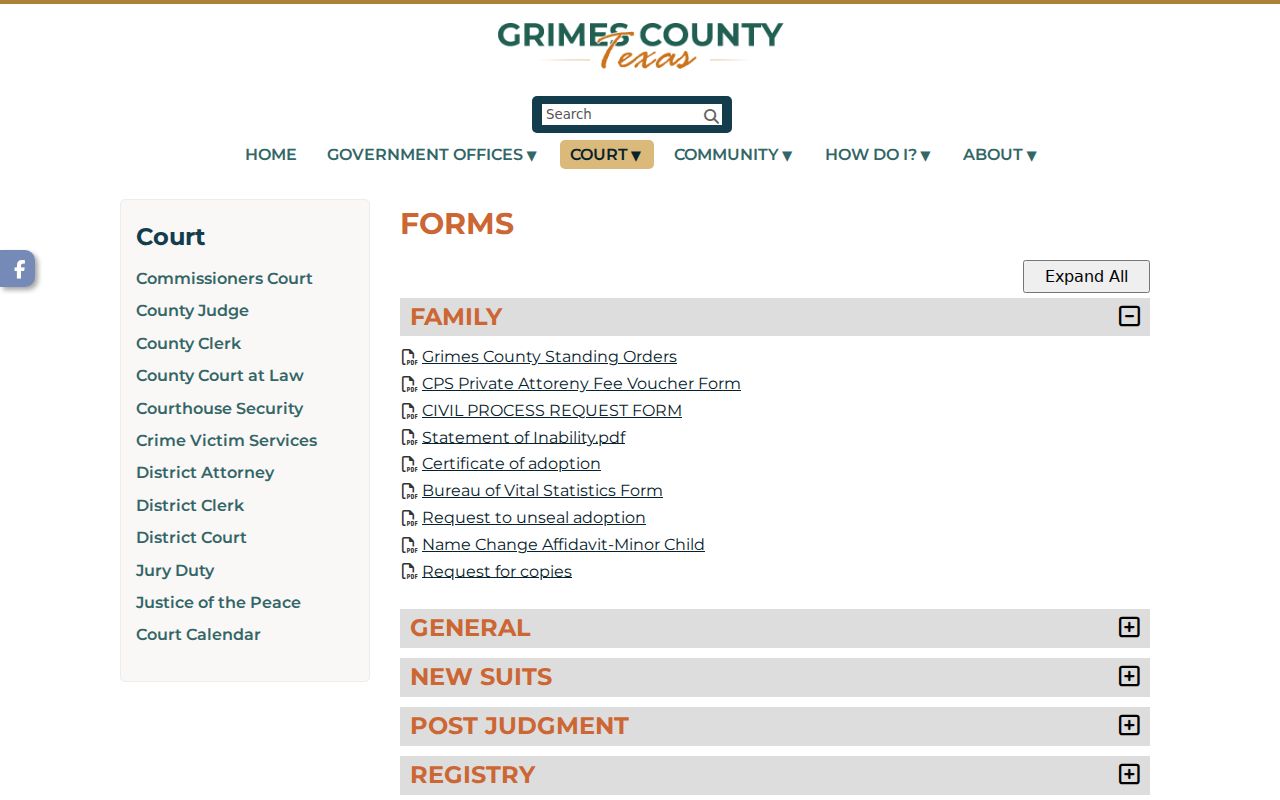
Cause number in hand, the copy request comes next. The eFileTexas landing page shows the separate filing interface.
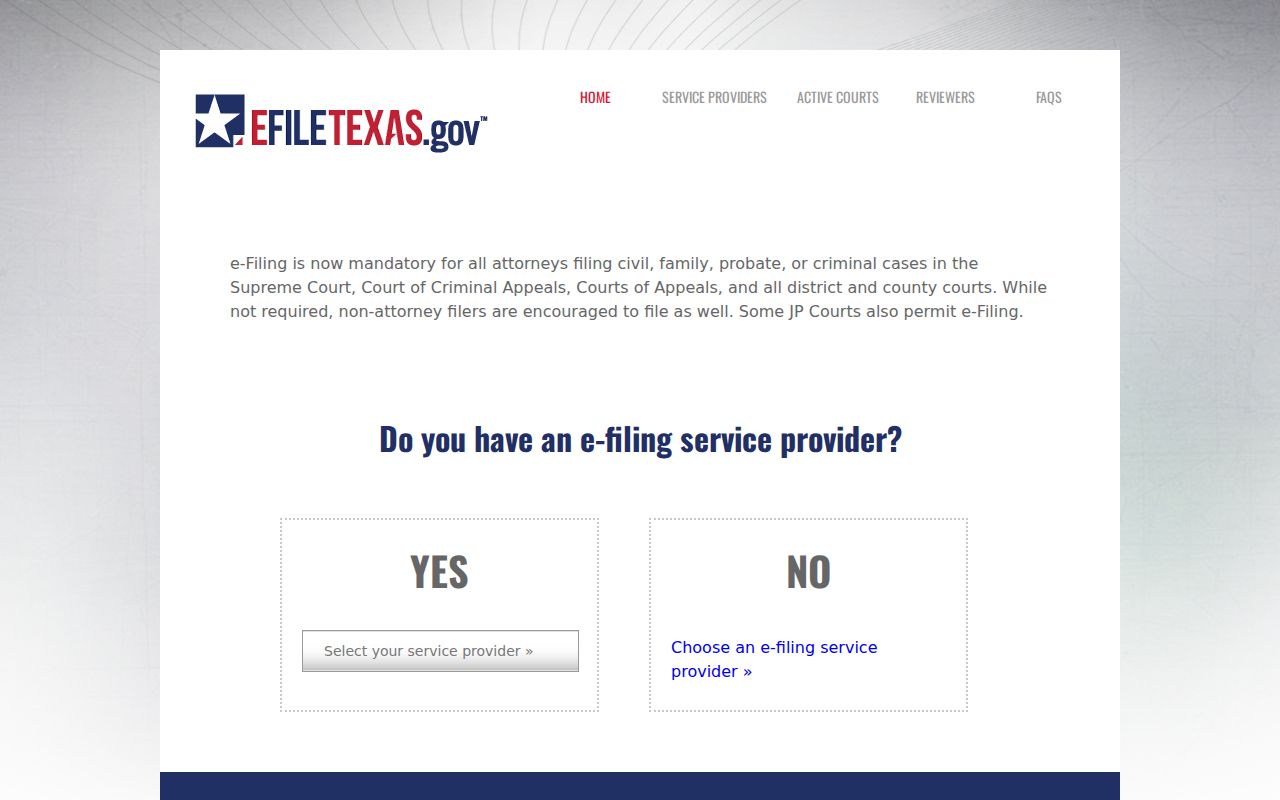
Don't mistake the filing screen for the public index. The re:SearchTX landing page is the statewide layer of the court docket.
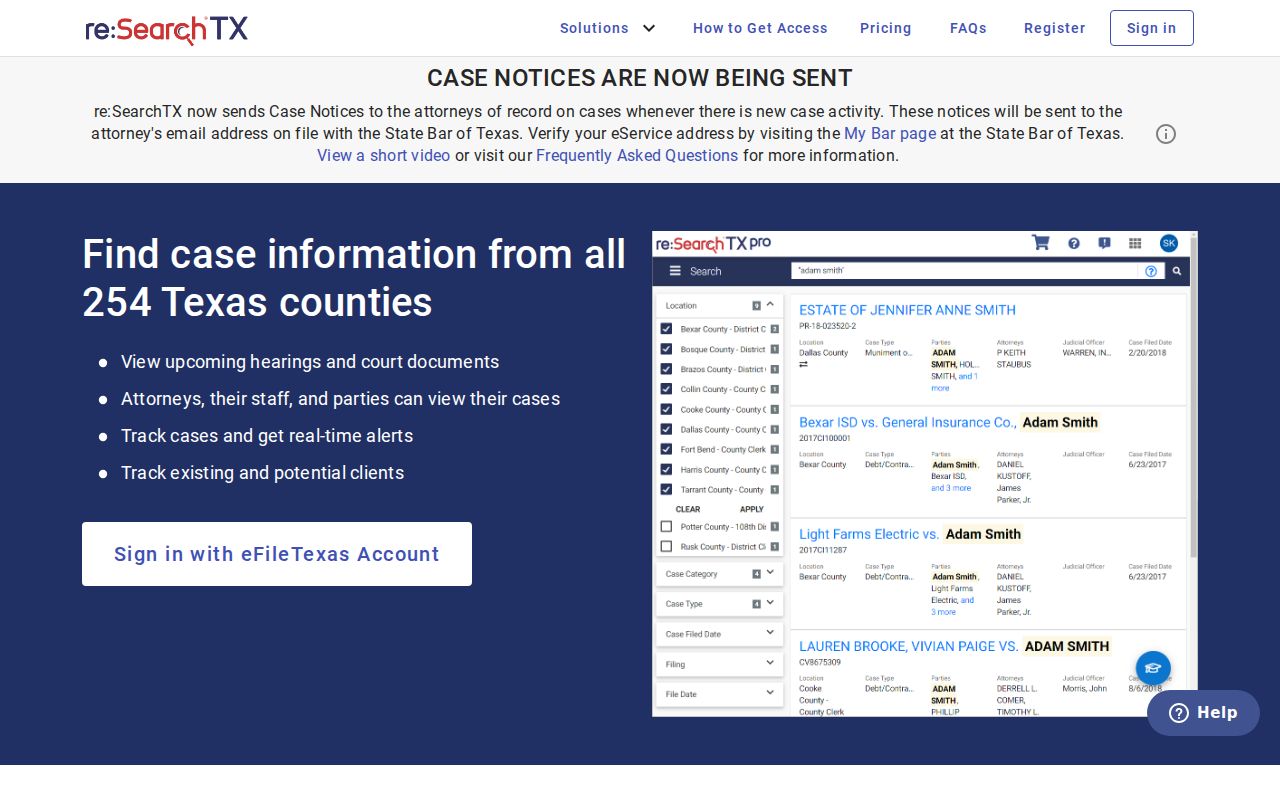
The statewide interface can supplement, but not replace, Grimes County clerk channels.